


Keydom Sound Lab

- 220 Mesh All-aluminum body
- 8kHz USB Polling Rate
- 16kHz Full-keyboard Scanning Frequency
- Ultra-low Latency of 0.125ms
- 0.01mm RT Sensitivity
- Super Stable,Super Responsive
- Ultra Stable, Ultra HiFi
Your payment information is processed securely. We do not store credit card details nor have access to your credit card information.
BH65 All-Aluminum Magnetic Switch Keyboard


Only 0.125 ms delay for all keys.
16k Hz full-key scan rate with an 8k Hz polling rate, featuring a 0.125 ms delay and "zero" delay function triggers, delivering a professional esports experience.

220 Mesh All-Aluminum Body.
220 mesh glass sand anodized for a fine texture, with a silky smooth metal touch. The all-aluminum alloy CNC integrated molding process provides substantial weight, preventing easy movement on the desk.


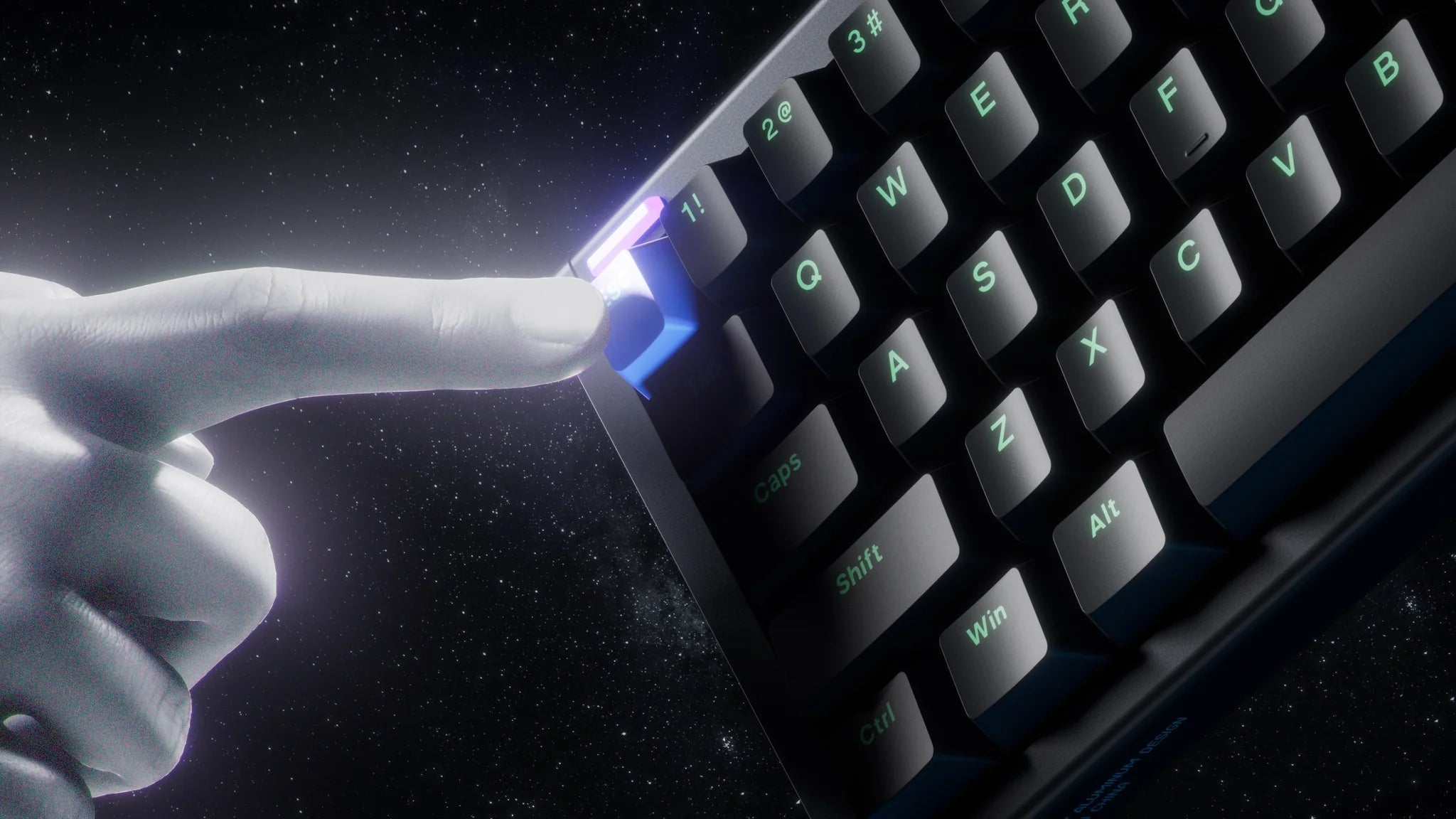
Black Hole Light Trails.Merging deep sci-fi elements with stunning light effects, it presents a mysterious visual representation of a black hole attracting light. This creates a dynamic sense of light being consumed, evoking an immersive atmosphere akin to deep space.
Iridescent Prism.Combining light refraction with gradient flowing effects, it creates a prism-like spectrum of ever-changing colors. At different angles, it presents multi-layered iridescent refractions, making light and shadow an integral part of the desktop
Fully Adjustable Travel, Trigger Without Touching the Bottom
With a maximum scale of 0.01mm for full key height precision adjustment, it ensures accurate key triggering, allowing for quick and stable emergency stops.

100% Self-Developed Driver Easily Control the Entire System
Real-Time Upgrades, Quickly Responding to Player Needs. Firmware can be upgraded via NuPhy.IO , allowing for real-time updates of key functions, ensuring that each BH65 is more powerful than when first purchased. With Nuphy.IO, customizing your keyboard is as simple as a few clicks. From adjusting RGB lighting to programming macros, you can easily create a setup that matches your exact needs perfectly for both beginners and enthusiasts alike. *The 6 advanced keys can also be customized.

N.U.A Second Generation Self-Developed Magnetic Switch Algorithm
Introducing Adaptive Stabilization Algorithms. Dynamically calibrating keys to match your pressing habits for an enhanced user experience!

Zero dead zone for continuous touch Empowering Every Critical Battle

Rapid Trigger
You can freely set the reset and re-trigger points of the keys, so the keys do not need to be fully released to stop triggering, allowing for quick stops. The RT function can set the shortest reset and re-trigger points at 0.01mm.

Rapid Shift
Determines which key to trigger by comparing the key travel depth of the two designated keys.

SOCD
When both bound keys are pressed, you can set a priority to choose to trigger only one of the keys, or neither.

Hyper Tap
By adding another key you want to trigger at the reset point of the RT key travel, you can stop the triggering of the original key while simultaneously triggering the bound key during the key release action. This helps counteract the inertia from character movement, achieving a faster stop.



Frequently Asked Questions
How do I choose Magnetic Jade PRO switch and the Magnetic Jade Gaming switch?
How do I choose Magnetic Jade PRO switch and the Magnetic Jade Gaming switch?
With the same parameters, the Magician PRO switch offers a more Hi-Fi sound, while the Magician Gaming switch provides greater precision.
How is the stability of the keyboard?
How is the stability of the keyboard?
220 Mesh All-Aluminum Body:This design features a robust all-aluminum body with a 220 mesh pattern, ensuring strength and a sleek, modern appearance.
Shell-like Structure:The keyboard features a shell-like structure, providing both durability and a sleek aesthetic.The integrated footrest also enhances the keyboard's stability, resulting in better performance during gaming.
Where can l update the firmware?
Where can l update the firmware?
You can update the firmware atNuPhy.IO. When updating the firmware, make sure to connect the data cable and select the corresponding BH65 keyboard on the NuPhyIO platform to make adjustments.If you experience unresponsive keys after updating the firmware, you'll need to calibrate the keys according to the instructions on the NuPhyIO page to restore normal functionality.
How can l adjust the keyboard lighting?
How can l adjust the keyboard lighting?
You can freely adjust the keyboard's backlight and sidelight.After enteringNuPhy.IO, connect your keyboard device. Start NuPhyIO > Select the mode > Lighting Effects. In the lower left corner of the page, you can select lighting mode. Some keys can be found on the keyboard simulation diagram above for partial adjustments.
What are some more interesting ways to use the keyboard?
What are some more interesting ways to use the keyboard?
The BH65 features two decorative holes on the top and sides. We will open-source the designs for these holes, allowing you to download existing design files and use 3D printing to create your own accessories. We look forward to seeing your unique DIY creations, which you can share on social media. There may be related events in the future!*Download BH65 3D Printing Files


